• Reference Guide

Working with Charts

WaveBasis includes world-class, award-winning charts, powerful and flexible enough to support any style of Technical Analysis. Charts are also highly customizable to suit your particular trading style. Choose from a selection of more than 12 chart styles, over 100 indicators, and more than 35 drawing tools, including our exclusive wave drawing tools.

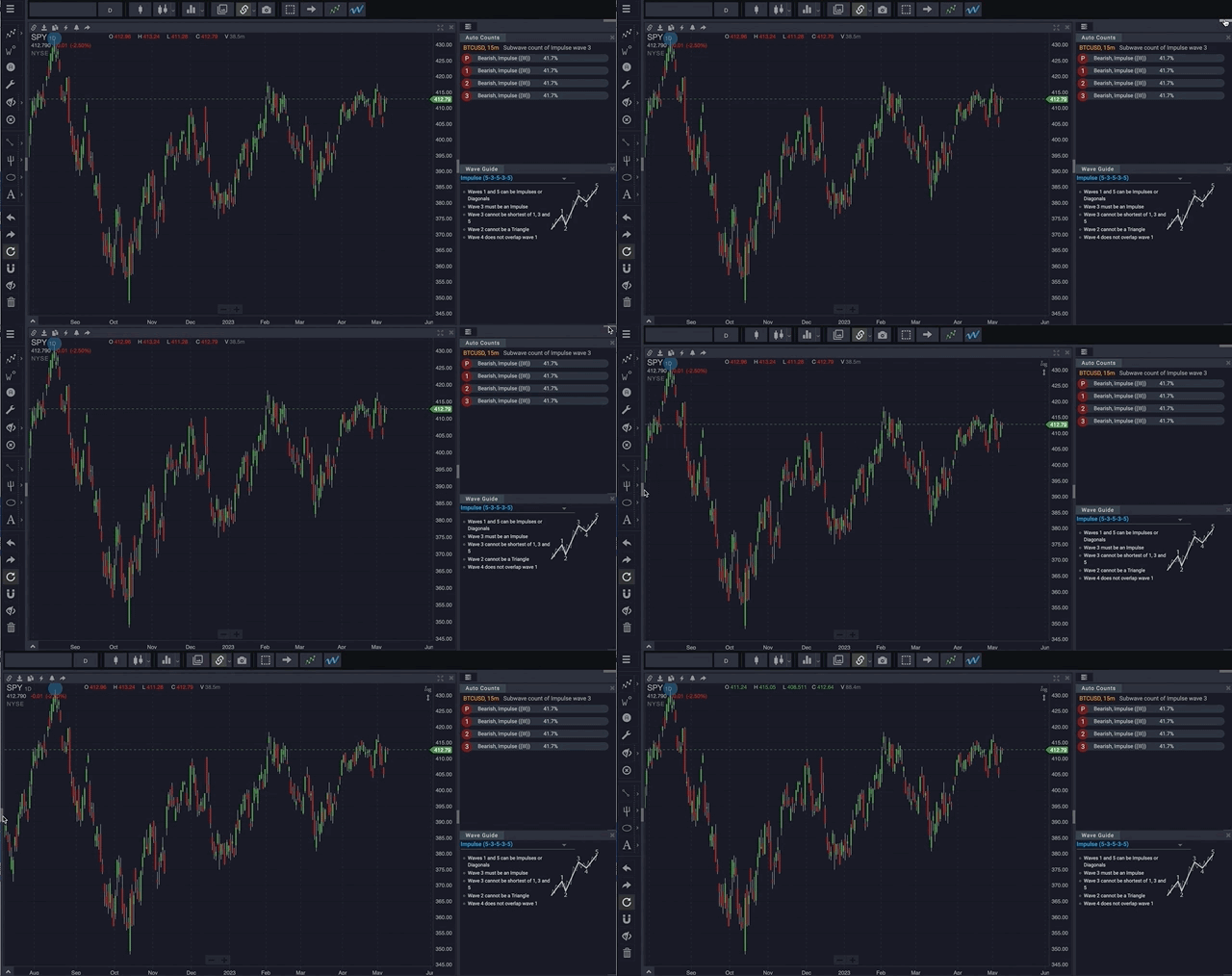
WaveBasis charts are highly responsive and intuitive, and advanced features like cloning, saving, and linked cursors help streamline your analysis. Along with a wide selection of industry-leading multi-chart layouts, our charting features help you to analyze or track multiple markets or multiple timeframes seamlessly and efficiently.

It’s a truly unparalleled immersive charting experience.


Read More
  • The Workspace

Toolbars

Two collapsible toolbars on the top and left of the workspace provide easy access to WaveBasis tools, and hide quickly to maximize the chart viewing area.

The top toolbar contains Chart Layout tools for selecting market symbols, setting overall chart configuration, and running Automatic Wave Counts. The light gray bar on the right of the top toolbar collapses and opens the toolbar. (See also Working with Charts and Automatic Wave Counts.)

The left toolbar contains wave adjustment tools, drawing tools, and editing tools. (See Drawing Basics and Wave Drawing Tools for further information.)


Read More
  • Automatic Wave Counts

Date Range Options

There are several options for defining the chart time range that will be analyzed when you run an automatic wave count. Select an option from the Date Range menu in the top toolbar.


NOTE: It’s highly recommended that you experiment with the various date range options so that you become comfortable with how they affect automatic wave count computations.


NOTE: Also see Selecting a Specific Time Range


Visible chart range

Automatic Elliott Wave counts will only include the range of a chart that is currently visible on your screen, starting with the first most significant turning point on the chart. So, any bars that are hidden off of the left or right edge of the chart will not be included in wave count computations.


Up to the present

Automatic Elliott Wave counts will include the range of a chart that begins with the first most significant turning point that is visible on the chart and ends with the most current (last) bar in the market’s history – even if the most current bar is hidden off of the right edge of the chart.


Last N bars

Automatic Elliott Wave counts will end with the most current (last) bar in a market’s history, and begin N bars in the past, where N is in the range of 60 to 1000 as displayed in the menu.

Read More
  • Reference Guide

Automatic Wave Counts

The automatic wave counting feature of WaveBasis uses a sophisticated computational engine to search for and identify Elliott Wave patterns on any price chart. This allows you to very quickly label a chart with Elliott Wave patterns and valid wave counts.

Saves time

Traditionally, a typical Elliott Wave analysis would begin with an unlabeled price chart, then proceed through a sequence of steps to identify valid wave patterns and sub-patterns using manual calculations. This process is notoriously tedious and time consuming, taking several minutes to sometimes hours to produce a single high-probability wave count.

With WaveBasis this process is reduced to mere seconds, so that your Elliott Wave-powered analysis can begin with a completed, valid, high-probability wave count. This allows you to more accurately identify potential trading opportunities in a fraction of the time typically required.

More robust analysis

Beginning an analysis with a completed wave count (or counts, see Alternate Wave Counts gadget), not only saves you time, but it also means you can spend more time focusing on what is most important: how accurately a wave count captures the true context of a given market. This is key to identifying low-risk trading opportunities.

When combined with the Smart Tools and various Gadgets, automatic wave counts can provide the crucial foundation to trading Elliott Wave patterns like an expert. Additionally, WaveBasis includes exclusive capabilities for interacting with automatic wave counts which are not found on other automated platforms. One such example is the ability to modify automatically generated wave counts, for more advanced users.

This all adds up to more robust and comprehensive analyses – and better informed trades.

Automatic wave counts can be calculated for entire chart histories or sections of history, and at any time frame. There are also several ways to initiate a wave count, as well as some things to keep in mind when preparing to initiate one, as discussed in the following sections.


NOTE: Unlike other platforms, automatic wave counts in WaveBasis are completely interactive and may be edited. See Modifying Waves and Patterns.
Read More
  • Reference Guide

Quick Start

The fastest way to get started with WaveBasis is to jump right in by running an Automatic Wave Count (or “AutoCount”) on a market that interests you.

Running your first automatic wave count with WaveBasis is a simple, three-step process:

  1. Select a market symbol from the symbol chooser.
  2. Choose a chart resolution in minutes, hours, days, weeks, or months. You can also set a custom resolution.
  3. Click the  icon to run an automatic wave count on the chart you just created.
This will start the wave pattern analysis for the chart that you’re currently viewing, and add wave labels to the chart to show you where Elliott Wave patterns have been found.

Watch below and try it yourself!


That’s it.

You’ve just produced your first automatic Elliott Wave count! …and you’ve produced a detailed and precise count in far less time than it would have taken even the most experienced Elliott Wave analyst. Congrats.

What’s next?

Now that you know how to run a wave count, you must learn how to use WaveBasis to apply Elliott Wave analysis to the markets you trade. So, learn step-by-step, the most important aspects of applying Elliott Wave analysis to any market from start to finish.


Here are some other ideas to get further along the road to improved WaveBasis expertise and trading profitability:


Read More
  • Charts

How do I know which chart is the current chart when I have more than one chart?

The main tools in the top tool bar, and the drawing tools in the left tool bar can apply to any chart in your current tab or workspace…so how do you know which chart they currently apply to?

Tools will always apply to the currently selected chart, and you can tell which chart is selected because it has a different color border. In the example below, the chart on the right is the currently selected chart – you can tell by the thin bright border around the chart.


You can make a chart selected by simply clicking on the chart, scrolling the chart…or really interacting with the chart in any way. WaveBasis will follow your workflow, and will decide which chart is most important to you without you having to think much about it.

Read More
  • Video Tutorials

Quick Intro to WaveBasis

A high level overview and introduction to the innovative and powerful capabilities of the WaveBasis platform. Get a glimpse of what makes WaveBasis the most comprehensive and advanced Elliott Wave software. A great way to get oriented so you know what you can expect.


Read More
  • Video Tutorials

Getting started drawing waves

From spot checking sections of a chart, to drawing entire wave counts, the Smart Drawing Tools in WaveBasis make it easier than ever before to not only draw wave patterns, but to also gain immediate insights about them.

Read More
  • Video Tutorials

Wave ratios and future projections

The ratios between the subwaves of the wave patterns in a count can provide confidence-building insights about that count. When combined with the Project Pattern Forward feature, ratios can provide unique guidance for what the market may likely do next to complete a pattern, which can point the way to your next potential trading opportunity.

This video shows you some ways to integrate these powerful tools into your analysis workflow.

Read More
  • Video Tutorials

Let the market come to you


Some of the best trading opportunities are the ones that you can see coming well in advance. The ability to plan a trade ahead of time and – let the market come to you – is a hallmark and a unique aspect of the Elliott Wave approach.

WaveBasis can help you gain foresight by identifying where markets are likely to reach support and resistance areas, and enabling you to project the likely path the market will take. This is extremely powerful.

This video will show you how to track a wave count for a period of time leading up to a potential trade, allowing you to build confidence in the trade setup before you put any capital at risk.

Read More