• Past Webinars

March 17, 2026 – Live Elliott Wave Analysis (Silver, Gold, GDX, Barrick Gold (B), CDE, BTCUSD, IBIT, NQ, QQQ, ETHUSD, and TSLA)

Stephen Simmons, creator of WaveBasis, reviews his Elliott Wave analysis from the March 17, 2026 Elliott Wave Hub event—where he outlined the likelihood of downside moves across multiple markets, which unfolded shortly after the event.

In this presentation, Stephen updates his wave counts and shares new insights across Metals, Cryptocurrencies, and U.S. Stocks, including Silver, Gold, GDX, Barrick Gold (B), Coeur Mining (CDE), Nasdaq (QQQ), BTCUSD (IBIT), ETHUSD, and TSLA.

If you missed the live event, this recording gives you a clear look at how the analysis was structured—and how it translated into real market movement.

In this presentation, topics include:

  • Grounding introduction and market context
  • Quick tour of the WaveBasis platform
  • Current wave counts and updated forecasts
  • Long-term wave count perspective
  • Tracking alternative (opposing) market scenarios

Start your 14-day free trial of WaveBasis (no credit card required).
 

Read More
  • Past Webinars

February 25, 2025 – Live Elliott Wave Analysis (Gold, Silver, Nasdaq, QQQ, AAPL, AMZN, TSLA, Bitcoin, IBIT, Ethereum)

Stephen Simmons, the creator of WaveBasis, confirms his accurate forecasts from the last Elliott Wave Hub event as he updates his wave counts and makes new forecasts for Gold (GC), Silver (SI), Nasdaq Index (NQ), QQQ, Apple (AAPL), Amazon (AMZN), Tesla (TSLA), Bitcoin (BTCUSD), IBIT, and Ethereum (ETHUSD).

Like previous webinar recordings, this video also covers some essential aspects of successful Elliott Wave trading including practical applications using WaveBasis. These topics include:

  • Getting into the right Elliott Wave trading mentality
  • How to anticipate and trade an extended 5th wave
  • Markets in upcoming potential extended 5th waves

This video was recorded at the Elliott Wave Hub Forecasting Event on February 25, 2025. So if you missed the event this video is a must-watch!

Sign up for a 14-day free trial of WaveBasis! (no credit card required): https://app.wavebasis.com/signup https://wavebasis.com/disclaimer/

Read More
  • Subscriptions & Payments

My account is restricted, what should I do?

If your account has been restricted it is likely because multiple email addresses were used to take advantage of multiple free trials, which violates our policies. We allow one free trial per person and computer to ensure fair access to our platform for everyone.

You can learn about How the Free Trial Works and our Terms.

If you think we’ve made a mistake, please contact us and let us know more about your situation so that we can clear up any misunderstanding.

We strive to provide a fair and risk-free way to evaluate our platform; however, we are unable to permit unlimited free trials. If you find value in using WaveBasis, we encourage you to subscribe to one of our paid plans. You can easily get started by following the steps listed in our How do I subscribe to a plan?

Regardless of the reason for the restriction, please contact us directly to have your account reviewed. Note that all incidents involving potential policy violations require a manual review before subscriptions can be approved even if you already made a payment. Thank you for your patience.

In the case that your account is reviewed and the restriction is upheld, a refund will be processed for any recent subscription payment, and your access to the platform will be permanently revoked.

Read More
  • Subscriptions & Payments

Can I delete my account?

Yes! Simply send an email request to delete your account to our support team and we’ll take care of it.

If you’d like to unsubscribe immediately from receiving future emails, just click the “unsubscribe” link at the bottom of any email you have received from us.

Read More
  • Wave Counts

Does WaveBasis detect complex corrective (XYZ) patterns?

While WaveBasis can detect all of the Elliott Wave pattern types, complex correctives (WXY / WXYXXZ) are currently disabled for automatic wave counts. Triangles are enabled, however, although they tend to appear less frequently than other types of patterns, so eventually you will see them in automatic wave counts.

We’re considering enabling complex correctives in a future update, although they will come with a strong warning that illuminates the results of our research regarding the usefulness of these patterns from a probability perspective.

In any case, however, if you prefer to count a section of a chart as a complex corrective, you are free to modify automatic wave counts using the wave drawing tools described here: https://wavebasis.com/docs/reference-guide/wave-drawing-tools/

Also, if you have questions or concerns about a specific chart(s) please feel free to share it using the chart-sharing feature as described here: https://wavebasis.com/docs/reference-guide/working-with-charts/sharing-charts/

Read More
  • Past Webinars

August 27, 2024 – Live Elliott Wave Analysis (Gold, Silver, Nasdaq, TSLA, Bitcoin, USDMXN/Mexican Peso)

Stephen Simmons, the creator of WaveBasis, confirms his accurate forecasts from the last Elliott Wave Hub event as he updates his wave counts and makes new forecasts for Gold, Silver, Nasdaq Index, Tesla (TSLA), Bitcoin (BTCUSD), and the Mexican Peso (USDMXN).

Like previous webinar recordings, this video also covers some essential aspects of successful Elliott Wave trading including practical applications using WaveBasis. These topics include:

  • Getting into the right Elliott Wave trading mentality
  • How to produce a full Elliott Wave count for any market
  • How to identify potential trading opportunities at smaller timeframes

This video was recorded at the Elliott Wave Hub Forecasting Event on August 27, 2024. So if you missed the event this video is a must-watch! Sign up for a 14-day free trial of WaveBasis! (no credit card required).


Read More
  • Wave Count Settings

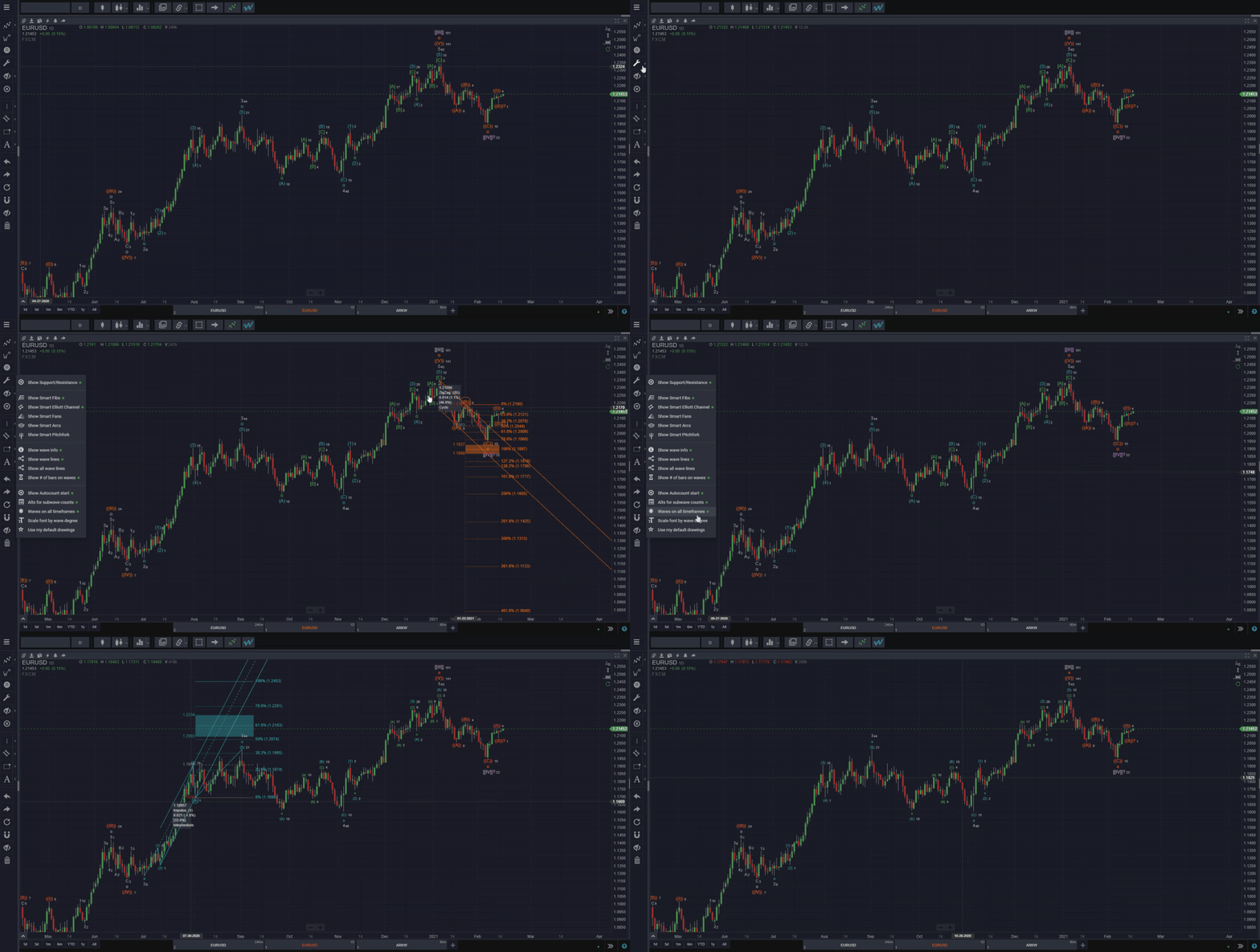
Use My Default Drawings

If you have saved default settings for any of the tools included in the Smart Tools for your subscription plan, such as the Fibonacci-related or Pitchfork drawing tools, enable this setting to display your default drawings as Smart Tools, rather than the system defaults. This can be useful if, for example, you prefer to view different Fibonacci levels than the system defaults, or if you prefer to customize the colors and appearance of those tools.


Learn more about how to customize your drawings.


In the example below, when “Use My Default Drawings” is enabled, the Smart Fibonacci retracement displays the 0% level in pink, removes some levels, adds the 161.8 level and colors it green (These are the settings we chose as an example; feel free to choose your own). These are just some examples of how you can customize Smart Tools that allow drawing defaults.


Read More
  • Wave Count Settings

Scale Font by Wave Degree

By default, all wave labels are displayed on charts in the same size font for clarity, but this can also lead to overly-cluttered charts. Enabling “Scale font by wave degree” will display waves at lower degrees in a smaller font, which can make wave counts much easier to read.


Read More
  • Wave Count Settings

Waves on All Timeframes

When this feature is enabled, wave patterns or wave counts that are calculated or drawn at one timeframe will also be displayed on all other timeframes. This is extremely useful for switching a chart between timeframes, while always keeping consistency with the larger wave count context in focus.

This is a great way to “zoom in” to smaller timeframes on a larger timeframe wave count without losing the larger timeframe context.

When this feature is disabled, waves will only be displayed on a chart when the chart is on the timeframe on which the waves were first calculated or drawn.


Recommended: Read the original announcement about this feature on our blog.


Read More
  • Wave Count Settings

Alts for Subwave Counts

Enable this to see wave count alternatives in the Alternate Wave Counts gadget when counting subwaves of a particular larger timeframe wave. If this option is enabled, you will be able to choose between various alternate wave counts for the current chart in the Alternate Wave Counts gadget, just as you can with full/complete wave counts.

HINT: If you don’t find the subwave counts you’re looking for, try to delete all waves forward from the wave in question and count subwaves forward again.


Recommended: Read the original announcement about this feature on our blog.


Read More